Removing Watermarks with AI
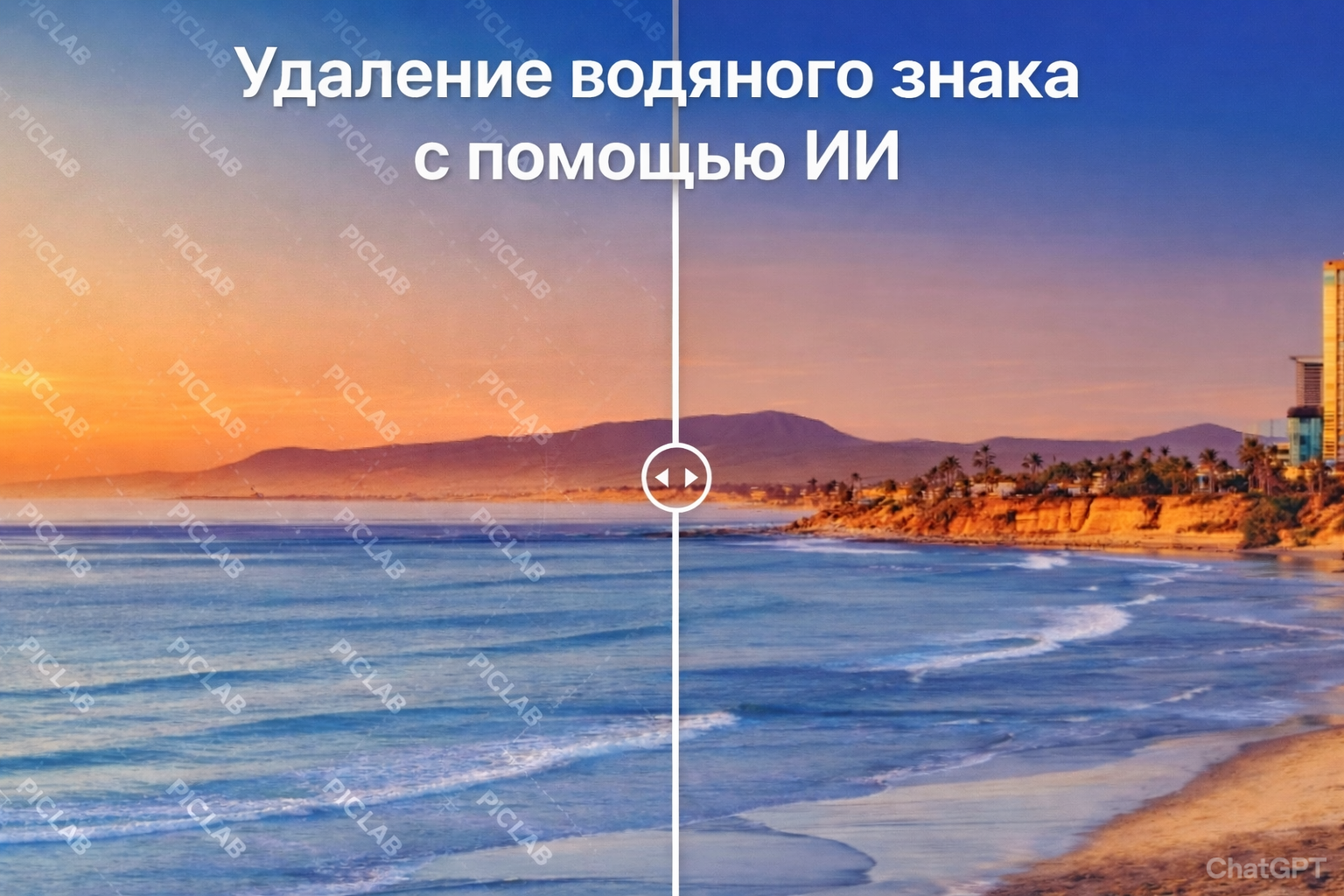
Remove Watermark from Photo with AI — Online Service veongen.ai
Watermarks on images can hinder the use of photos in presentations, blogs, online stores, or social networks. Previously, their removal required complex graphic editors and retouching skills. Today, you can remove a watermark from a photo in seconds using artificial intelligence.
In this article, we will discuss how AI watermark removal works and how to do it quickly and efficiently through the veongen.ai service.
Why is it difficult to remove a watermark manually?
A watermark is often superimposed over an image with transparency, a repeating pattern, or a complex texture. Manual removal causes problems:
- blurry spots remain;
- the background structure is disrupted;
- small details are lost;
- a lot of time is required for retouching.
AI solves this problem differently — it analyzes the entire image and "reconstructs" hidden areas, making the result as natural as possible.
How AI Watermark Removal Works
Modern artificial intelligence algorithms use:
- image structure analysis;
- texture and background restoration;
- intelligent pixel replacement;
- neural network models for image reconstruction.
The system identifies the watermark area, removes it, and automatically restores the background as if the text or logo had never been there.
How to remove a watermark via veongen.ai
-
On the main page, click "Generate"

-
In the opened window, select "Image"

-
Then select the Nano Banana PRO model

-
Upload your photo and enter the query:
"Remove watermark from photo"

-
Start generation and get a clean photo without editing traces.
Everything takes less than a minute and requires no software installation — the service works entirely online through a browser on the veongen.ai website.
Advantages of Using AI for Watermark Removal
- ✅ Fast — results in a few seconds
- ✅ Simple — no Photoshop skills needed
- ✅ High-quality — natural background restoration
- ✅ Online — works directly in the browser
- ✅ Suitable for photos, banners, product cards
When is Watermark Removal Useful?
- Preparing images for a website
- Creating content for social media
- Processing old archival photos
- Working with presentations
- Editing images for marketing
Important to Remember
Use watermark removal only within legal limits and when you have the rights to the image. Removing protection from other people's work without the copyright holder's permission may violate copyright laws.
Conclusion
Today, removing a watermark from a photo with AI can be done quickly and without special knowledge. The veongen.ai service allows you to do this online — accurately, efficiently, and in seconds.
If you need a simple way to clean an image of unnecessary elements, try modern AI-based tools and appreciate how convenient it is.