AI Avatar Creation: Bringing Photos to Life with AI
AI Avatar Creation: Bringing Photos to Life with Artificial Intelligence
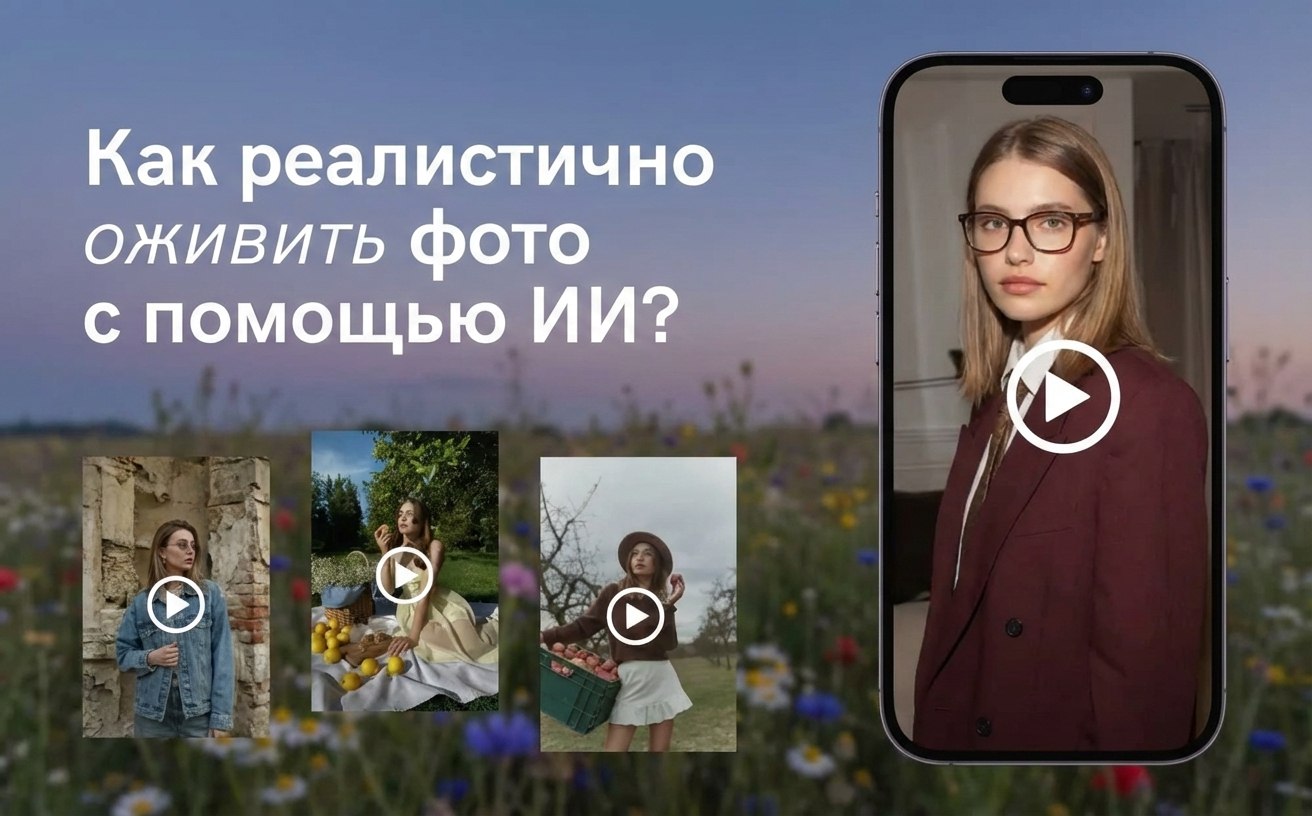
Modern artificial intelligence technologies open up opportunities not only for creating static images but also for bringing them to life. AI avatars allow you to transform an ordinary photo of a person into a dynamic image that can speak, express emotions, and react to voice commands.
How Photo Animation Works
Creating an AI avatar begins with a source image of the user or a pre-prepared avatar. Special neural networks analyze facial features — eyes, mouth, expression, facial contours — and create a model capable of imitating movements and facial expressions.
Next, the AI links this model with an audio track or text for speech synthesis. As a result, the user gets a realistic animation where the avatar speaks or expresses emotions, just like a real person.
The technology is based on several key components:
- Deepfake and Generative Models — create precise facial and lip movements that match the voice.
- Speech Synthesis (TTS) — converts text into voice that naturally aligns with the animation.
- Mimicry and Eye Correction — makes movements realistic, avoiding the “uncanny valley.”
Improving Photo Quality Before Animation
A crucial step is image preparation. The higher the quality of the source photo, the more realistic the AI avatar will look. Modern algorithms allow you to:
- Increase photo resolution without blurring facial details.
- Restore colors and lighting, making the image brighter and more vibrant.
- Remove noise and artifacts to make the animation look clean and professional.
This is especially important if the user wants to turn an old or low-quality photograph into a talking avatar: the AI first enhances the image and then animates it.
How to Create Your AI Avatar
-
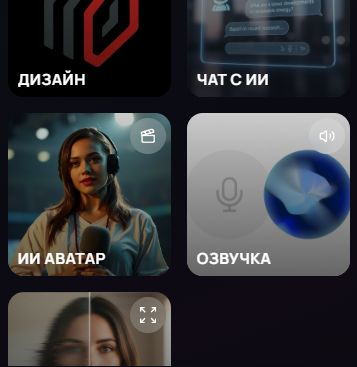
On the main page, click "Generate"

-
Scroll down and find the AI avatar — click on it
-
In the opened window, choose any avatar you like, select a voice, background color, and enter the desired text
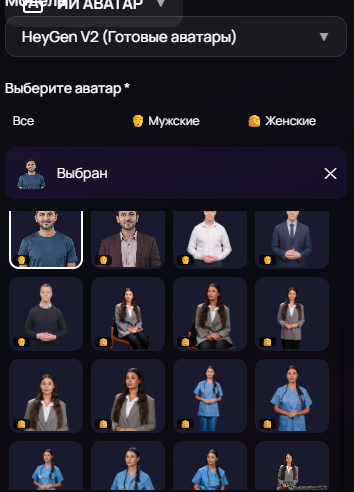
- Start generation and wait for the final result
Creating an AI Avatar with Your Own Photo
-
For this, select the HeyGen V4 model
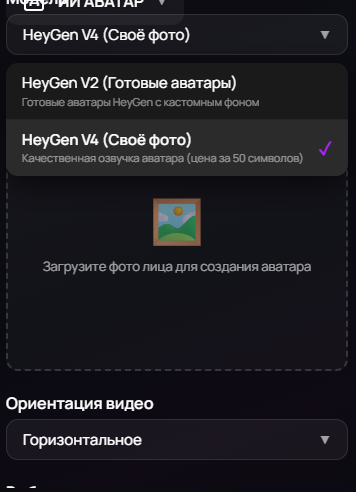
- Upload your photo and enter the desired text
- Start generation and wait for the final result
Applications of AI Avatars
AI avatars with the ability to speak and express emotions are finding more and more applications:
- Social Media — creating unique videos with a “talking” avatar.
- Education and Presentations — avatars of teachers or speakers can explain material.
- Marketing and Advertising — interactive characters for promotional videos.
- Entertainment — generating memes and short videos with favorite characters.
Conclusion
AI avatars open up a new level of interaction with digital images. With photo quality enhancement and animation technology, users can transform any static photograph into a dynamic, talking avatar, ready for use in videos, presentations, and social media.